
Link Your Genshin Impact Account to Discord for Free Primogems and Real-Time Status
The world of Teyvat just got a little more social. With the release of Version 5.0, HoYoverse has officially introduced a brand-new way for Travelers to connect: the Genshin Impact Discord account linking feature. This isn't just a simple name tag on a chat app—it's a full integration that brings your adventure into your Discord presence, making co-op sessions smoother and rewarding you with a nice little gift of 30 Primogems on your first hookup.
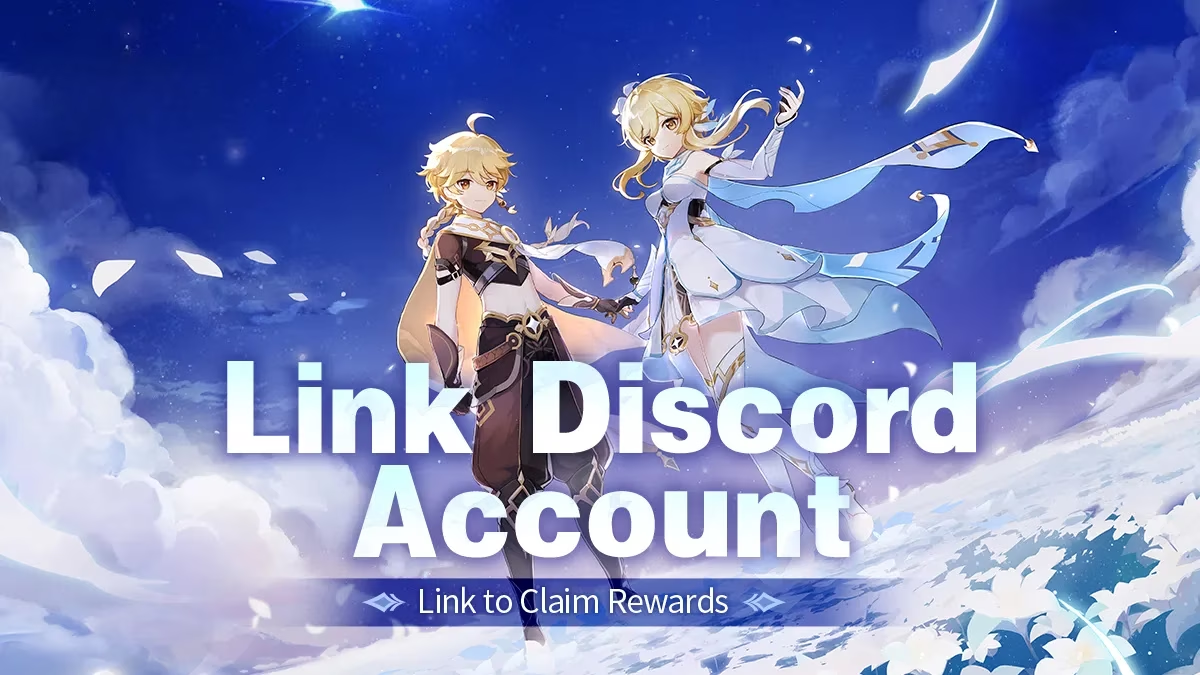
Ever found yourself typing "What's your UID?" for the hundredth time? Or maybe you've missed a friend's invite because you were knee-deep in a domain and didn't notice the notification. This integration aims to solve those tiny but persistent headaches by displaying real-time game information directly on your Discord profile. Imagine seeing your friend's Adventure Rank, current server, and even how long they've been exploring all at a glance—no more guesswork, just seamless grouping up.
🛠️ How to Link Your Accounts
Getting everything tied together is a straightforward process. First, make sure you have both your HoYoverse account (the one linked to Genshin Impact) and your Discord account ready. Head to the official linking page provided in the game's announcement—you can find it through the in-game notice board or the official social channels. Once there, log in to your HoYoverse account and verify that your Genshin Impact game account is properly attached. Next, log in to Discord. The page should automatically detect your Discord login status. All that's left is to click the big, friendly "Link Account" button, and voilà—the connection is made.
🎁 Claiming Your First-Link Reward
After the handshake is complete, the system doesn't immediately stuff Primogems into your mailbox. You need to manually click the claim button on the linking page. Once claimed, the 30 Primogems will be sent to the linked account's in-game mail. Do keep in mind there might be a slight delay, so don't panic if they aren't there the very second you press the button. The reward mail itself expires after 30 days, so be sure to log in and collect it promptly before it vanishes into the digital void.
Here are a few golden rules to avoid disappointment:
-
Every game account can only receive this reward once. There's no trick to unlink and relink to a different Discord account to farm Primogems—the system is smarter than that.
-
A single Discord account can claim a maximum of ten first-link rewards. This means if you manage multiple alt accounts, you can link up to ten different Genshin accounts to the same Discord profile and grab the reward for each. However, once a Genshin account is tied to a Discord account, it can't be reused for another Discord profile.
-
If your Discord account faces termination, suspension, or some weird age-restriction change before the rewards are distributed, you might miss out. In such cases, head back to the linking page and reauthorize to prevent issues.
-
After collecting the reward, if you want to unlink, wait until the Primogems actually land in your mailbox. Unlinking too early could mess up delivery.
Sharing accounts is never a wise move. Don't rent, lend, or let anyone else use your game or Discord account. HoYoverse reserves the right to cancel rewards and take action according to the Terms of Service if any funny business is detected.
🖥️ What Shows Up on Discord?
Once the link is active, your Discord status gets a Genshin Impact makeover. The moment you launch the game on PC or mobile, your profile will showcase:
-
Your in-game nickname
-
Adventure Rank
-
Game server (so people know if you're on America, Europe, Asia, or TW/HK/MO)
-
Real-time online duration (yes, your friends can see exactly how long you've been grinding artifacts)
Unfortunately, PlayStation server gameplay display is not yet supported due to technical limitations. The currently displayed data is just the beginning—HoYoverse has teased that more features are on the way. Maybe one day we'll see current party composition or world level, but for now, Travelers can enjoy this handy status snapshot.
Privacy-conscious players don't need to worry either. Personal information is used solely for this platform display feature and nothing else.
🔄 Unlinking and Changing Connections
Regrets happen. Maybe you linked the wrong account, or perhaps you need to switch to a different main. The unlinking process is simple: revisit the official linking page and click the "Unlink" button. But hold your horses—you can only unlink once per calendar month. That means you get one chance to redo things every thirty-ish days, so pick your primary account carefully.
After unlinking, you can connect a Genshin Impact account that hasn't been linked to any Discord account before. This restriction ensures the one-reward-per-game-account rule stays intact. If you miss and unlink the wrong one, you'll have to wait until the next month rolls around.
📜 Staying on the Right Side of the Rules
Like everything in Teyvat, this feature comes with its own set of guidelines. All the regular Genshin Impact Terms of Service and Privacy Policy, as well as Discord's own policy regulations, still apply. So behave like the honorable Traveler you are, and everything will go smoothly.
If you run into trouble or have suggestions, the official Genshin Impact Discord server has a Modmail system ready to listen. Alternatively, you can flood the comments on any official social media post—the community managers are always lurking.
🌐 Join the Wider Community
The linking feature is just one piece of a much larger puzzle. Genshin Impact's official social media platforms are brimming with art, guides, memes, and co-op meetups. Whether you're scrolling TikTok, doom-scrolling Twitter, browsing Facebook, watching YouTube theory-crafting, digging through HoYoLAB tools, or participating in Reddit discussions, there's a spot for every kind of Traveler. Linking your Discord account only tightens the bond between your in-game life and your online hangouts.
So go ahead, claim those 30 Primogems, and let your friends marvel at your Adventure Rank 60 dedication displayed proudly on Discord. Happy exploring, and may your artifact rolls be ever in your favor!
Comments